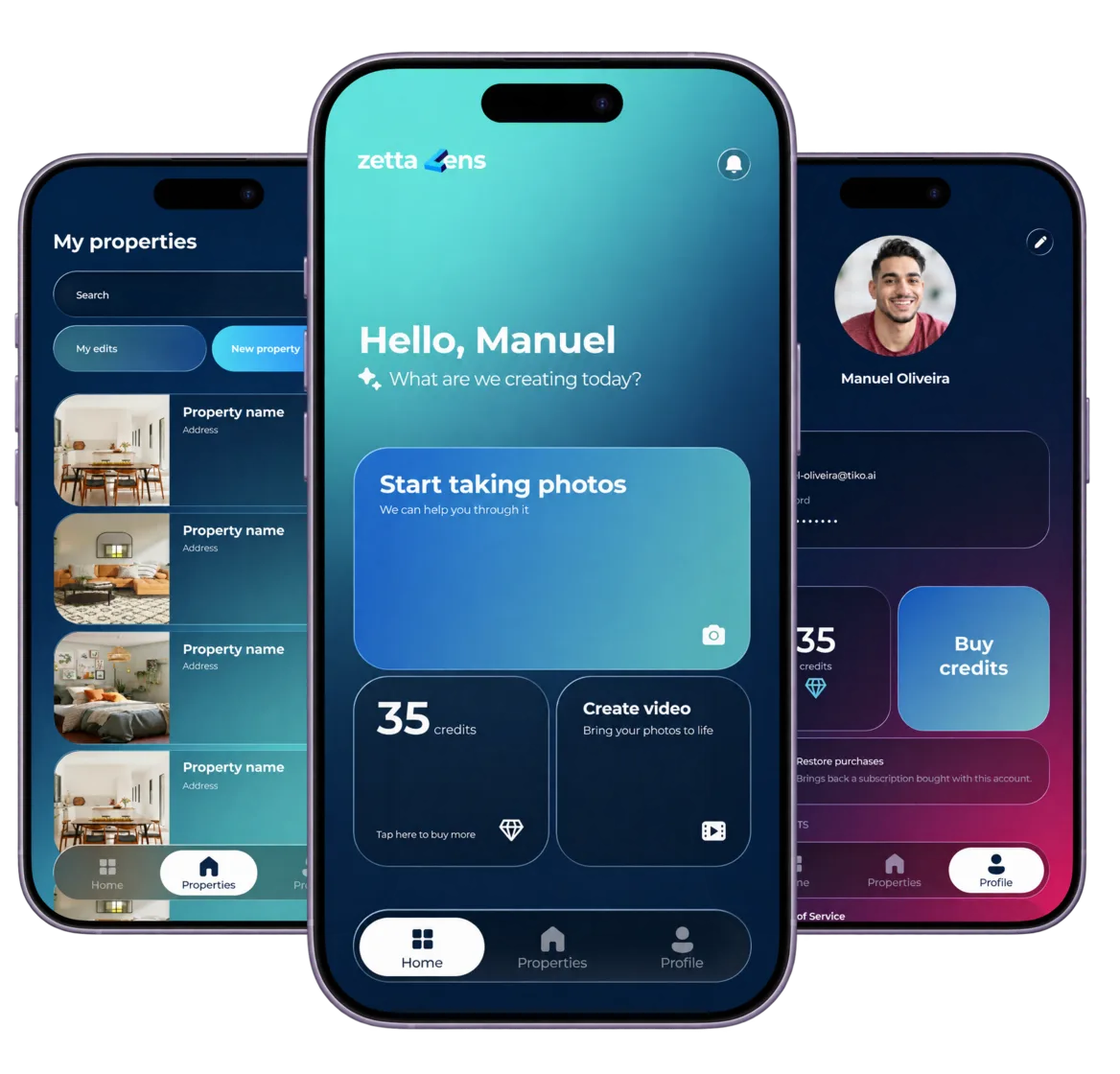


Stage. Share. Sell.
Turn Empty Rooms
into Listing-Ready Photos

Shoot the room with your phone, pick a style, and Zetta Lens sends back an enhanced photo — ready for the listing before you leave the property.
- Free to try
- iOS & Android
- EN & PT
Solve your creative challenges
Need better photos?
Enhance & transform them with AI.
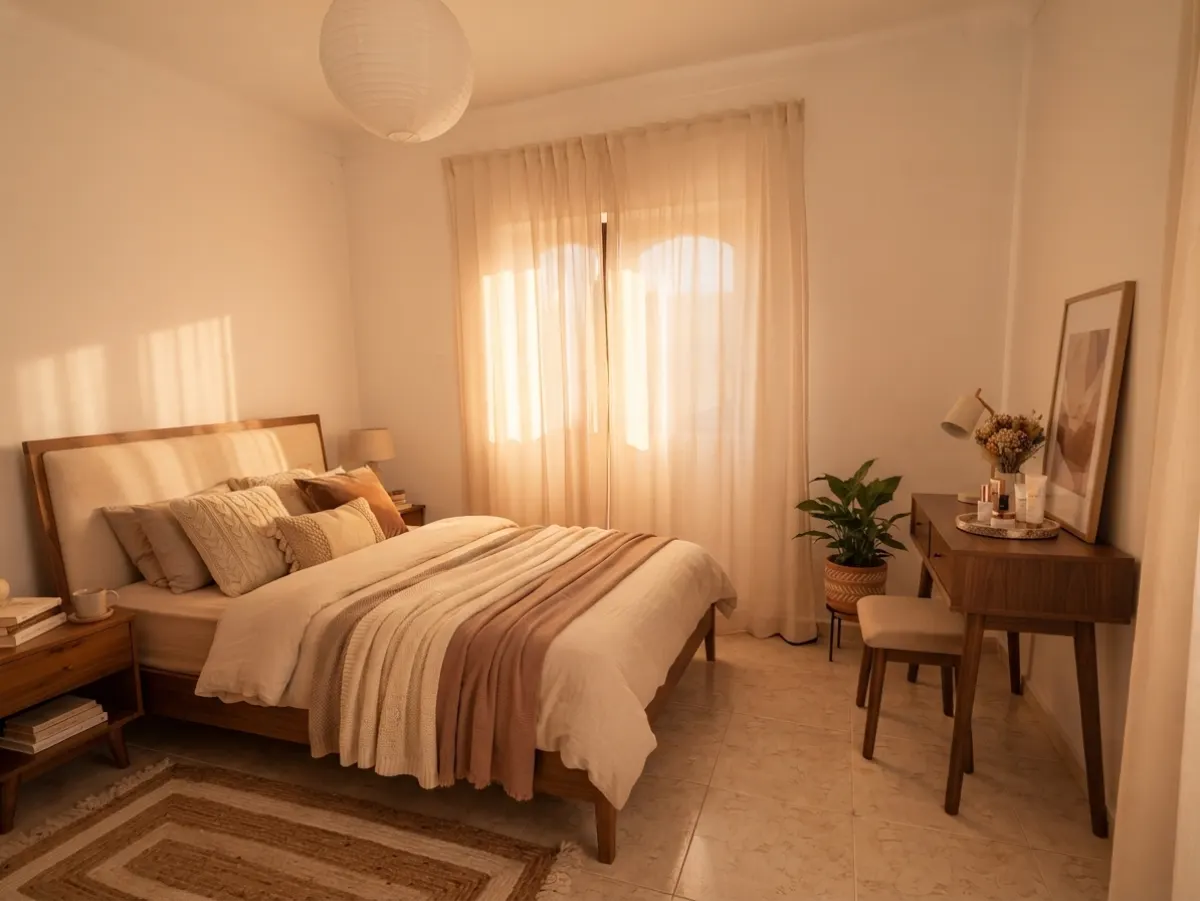
Photo Enhancement

Fix lighting, improve quality, enhance colours and details. Make every photo look professional.
Explore Photo Enhancement ➔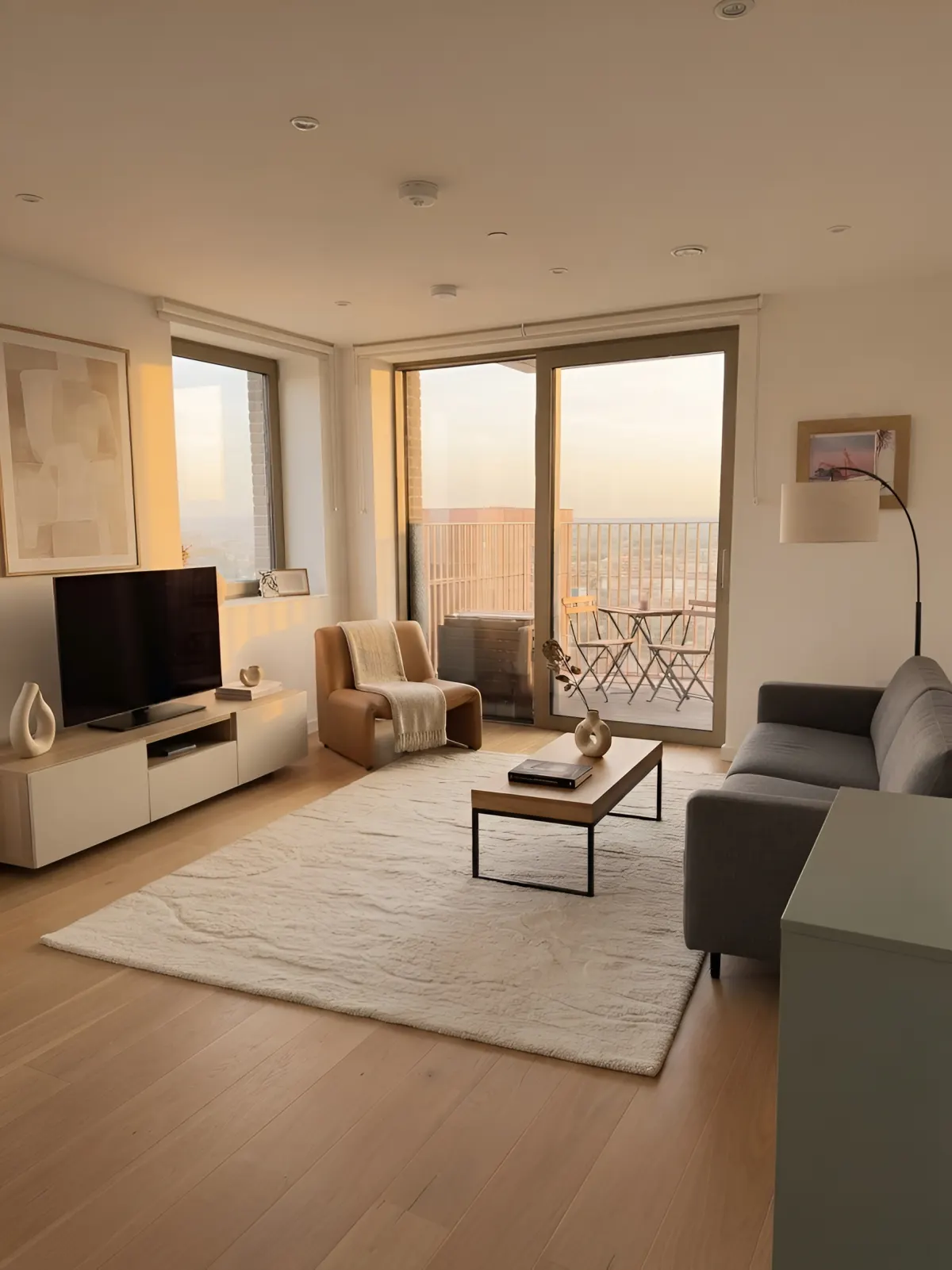
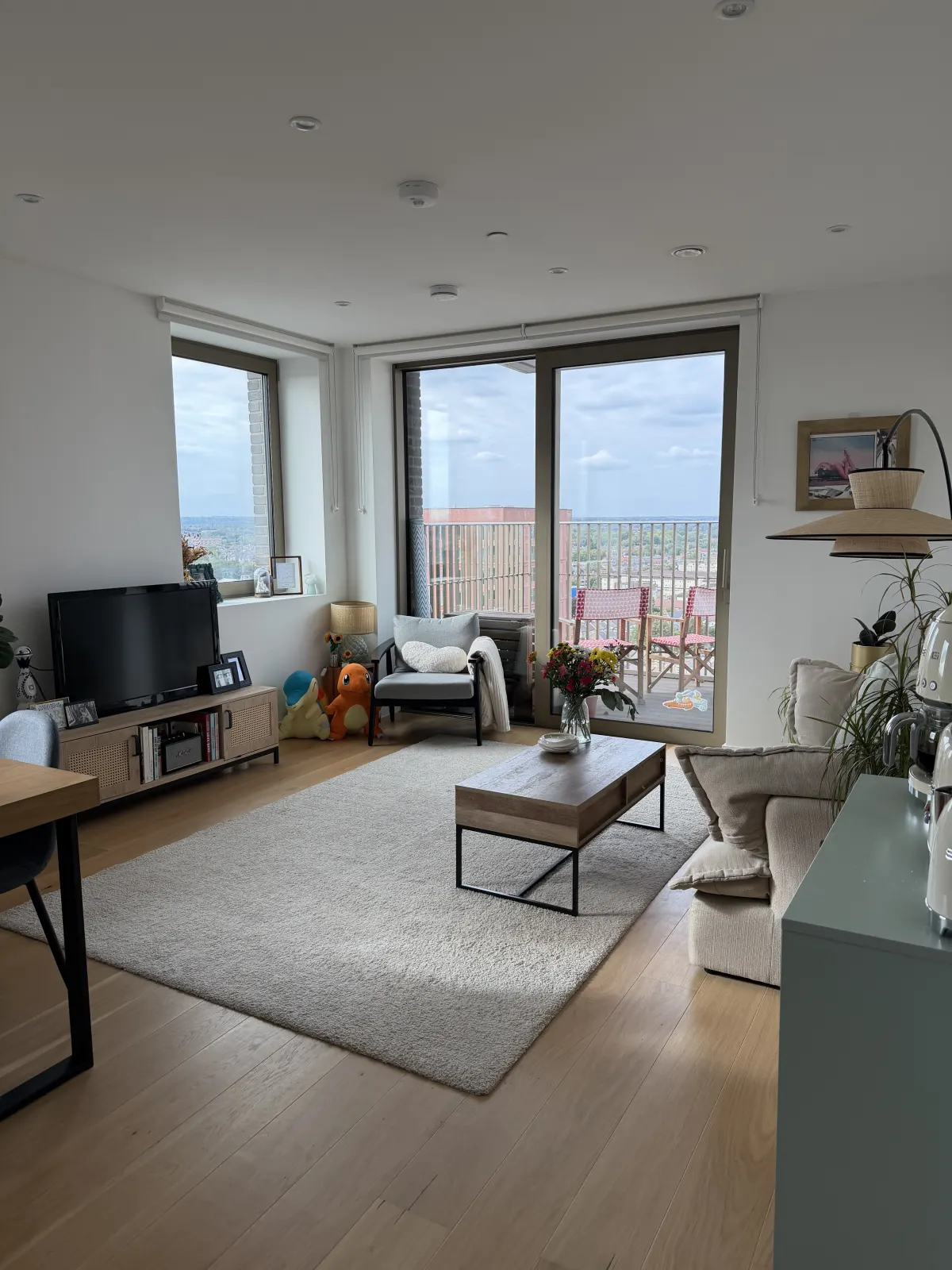
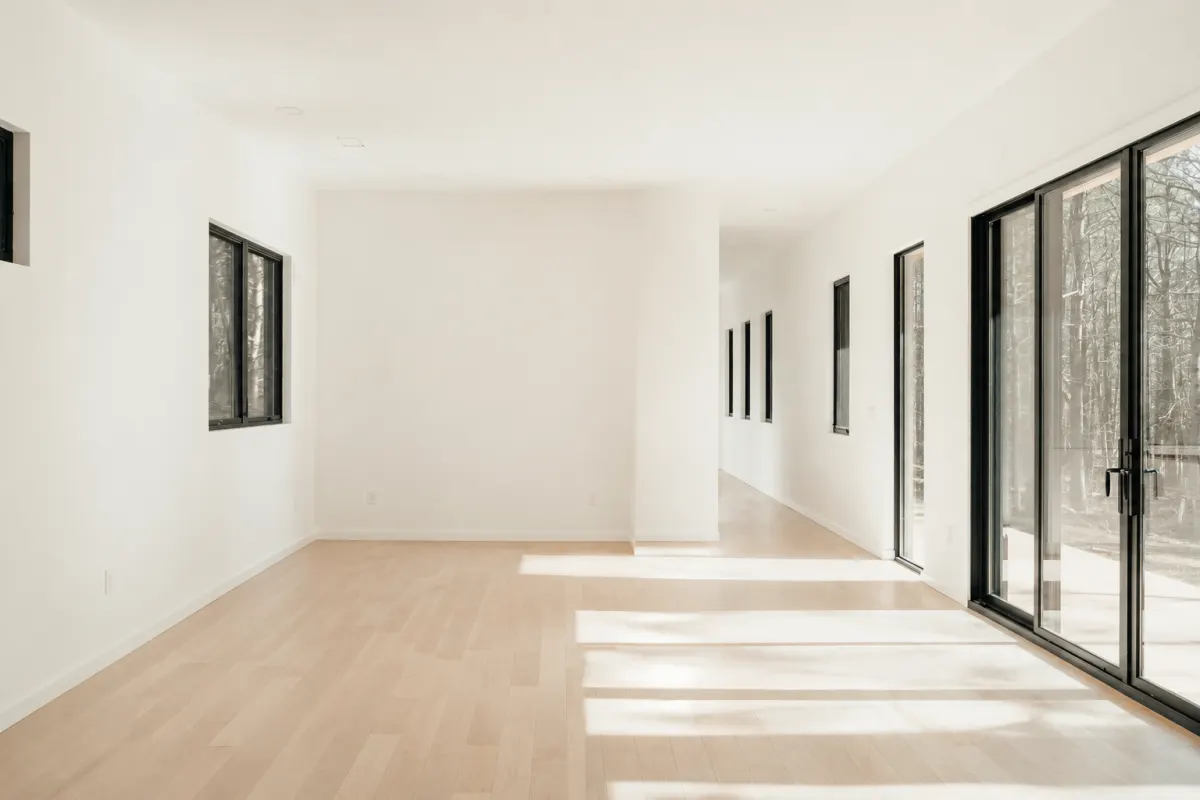
Virtual Staging

Turn empty spaces into beautiful, fully furnished rooms in seconds, with just a few clicks.
Explore Virtual Staging ➔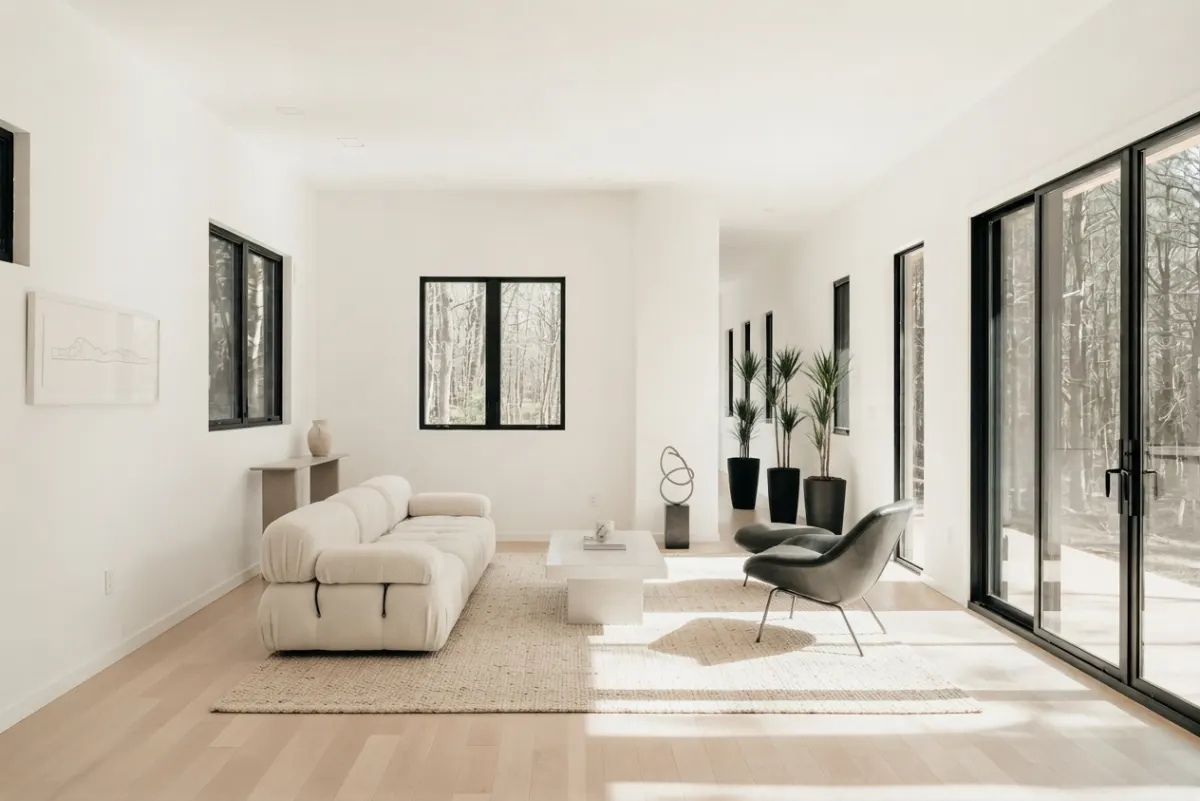
Video Creation

Turn your photos into stunning videos in seconds. Bring your content to life.
 Explore Video Creation ➔

A style per listing
Multiple staging styles, applied consistently across every room so a listing looks like one single shoot.
Room-type aware
Living room, bedroom, kitchen... Zetta Lens stages each with furniture that belongs in it.
Photo library
Every shot is filed under its property and room. A whole listing gets staged, then exported together.
Original geometry
Room dimensions, windows and structure are untouched. Buyers see the real space, furnished.
How it works
Listing-ready photos with 3 taps
- 01
Shoot the room
Point the phone at the room as it is — empty, half-packed or lived in. One shot per angle is enough.
- 02
Pick room style
Tell Lens how you want to enhance your photo and how the room should feel: modern, minimalist, classic, and more.
- 03
Get staged photos
Furniture, lighting and finishes are generated into the shot. Walls, windows and proportions stay exactly the same.

Pricing
Power your creativity
Buy credits when you need them and spend them on the tools that bring your properties to life.
Freemium
Try it. See the difference.
0€
0€
One-time signup bonus
 10 credits
Essential
Create more. Faster.
5,99€ /month
4,99€ /month
2,99€/mo for the first 100
billed 59,88€/year
80 credits/month960 credits/yearProfessional
Built for high-volume creators.
14,99€ /month
12,49€ /month
billed 149,88€/year
240 credits/month2880 credits/year
Starter Pack
A little extra when you need it.
1,99€
20 creditsStandard Pack
Create more on demand.
8,99€
100 creditsPro Pack
Big projects, no commitment.
19,99€
250 credits
Available for paid subscriptions
FAQ
Questions answered
How long does a staged photo take?
Usually a few seconds per photo. You can queue a full property and let the batch finish while you move on.
Which rooms and styles are supported?
The common listing rooms — living room, bedroom, kitchen, dining room, home office, etc. — each with a set of staging styles, from Minimalist to Scandinavian, Industrial, Contemporary, etc.
Do I need a special camera?
No. A recent phone camera is enough. Shoot from a corner, keep the whole room in frame, and avoid heavy backlighting for the best result.
Can I use staged photos in a listing?
Yes, subject to the disclosure rules of your market. Most boards require virtually staged photos to be labelled as such — check your local requirements before publishing.
Can I turn my property photos into videos?
Yes. Select the photos you want to use, set the duration of each frame, choose your video style, transitions and format, and add music to bring your property to life. Zetta Lens turns your photos into a polished video, ready to share.
Can I buy more credits when I run out?
Yes. Top up your credits with a one-time purchase whenever you need more. Choose the pack that fits your needs, without changing your subscription.
The app
Stage your next listing today
Download Zetta Lens and stage the first room before you leave the property.